PixmPerfect Photoshop Easy Course by Unmesh Dinda


Original price was: 14.99$.3.99$Current price is: 3.99$.
- INR: ₹380.56
Go From Zero to Pro!
Learn to Master Photoshop, Take Your Images to the Next Level, and Develop Your Workflow From Start to Finish.
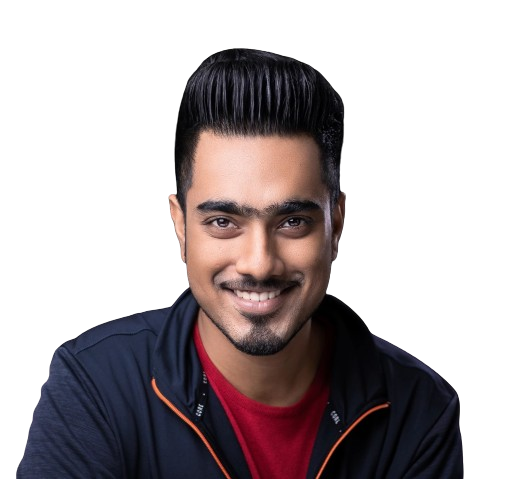
Unmesh Dinda
Unmesh Dinda is a world-renowned Photoshop educator and the creative force behind PiXimperfect. His expertise has been featured by Adobe, Wacom, and Fstoppers. Known for his clear, structured, and playful teaching style, Unmesh makes complex techniques accessible to everyone. He has taught at conferences like Adobe MAX and written for Shutter Magazine and Photoshop User Magazine, simplifying Photoshop for millions of creatives worldwide.
Learn to Use Photoshop and Create Stunning Images
Photoshop Easy is not a simple course. It is a path in which we take you by the hand and lead and teach you to master Photoshop. At the end of the course, you will be able to move and implement your ideas in complete autonomy.
What You Will Get (Instant Download Package)
Immediately after checkout, you will receive a direct, high-speed CDN download link for the offline course bundle (PiXimPerfectPhotoshopEasyCoursewithMaterials.zip) containing:
- Complete Course Package: All 8 Modules including 57 lessons in high-quality video format.
- All Practice Materials: 150+ original downloadable PSD project files, custom actions, and brushes used throughout the course.
- Unlimited Lifetime Access: Learn at your own pace offline on any computer, tablet, or mobile device forever.
- Subtitles Included: Complete English subtitles (.srt files) for easy learning.

This course will put you in the right path where you know exactly where you are, where to start, and what you need to learn next to improve your Photoshop skills.
Here’s why Photoshop Easy is the Ultimate Online Adobe Photoshop Course:
- You will learn true skills and effective concepts that will make you create your own personalized path to mastering Photoshop.
- You will be on the right track as you learn Photoshop from a strategically structured path where as you progress, the more familiar you get in the Photoshop world without having to look back.
- You will have direct access to Photoshop Experts who are there to help you 24 hours a day, with anything and everything about this course. Anytime you face a challenge or have questions, our Photoshop live chat support is at your rescue!
- Start with a strong foundation in Photoshop and enjoy a path that takes you towards your personal artistic independence where you are able to translate your ideas into breathtaking images using Photoshop on your own!
- You already have experience using Photoshop and you would like to sharpen your skills and learn new techniques and strategies to work with the highest efficiency, speed up your workflow, and achieve exceptional results.
- This is not an Owner’s Manual that is full of theory and absolutely monotonous. Instead, we will learn by playing, having fun, and learning the “why” behind each concept.
Here’s What You Will Get In This Course
To get real results, you need a system for learning, applying and transforming that information into excellent results and making it stay with you for life.


What’s Inside Photoshop Easy?
Photoshop Basics
This module teaches the basics of Photoshop. Find out how to get started on the right foot.
The Tools
In this module you will learn how to use and master all Photoshop tools. Pen, crop, brush and much more!
Master Color
You will understand how to manage color, from color management, to color correction, up to color grading.
Compositing
Everything you need to learn to create awesome composites in Photoshop in this information-packed lesson.
Retouching
In this module, you will learn techniques and tips for retouching your subjects like a pro.
Tips & Tricks
In this module, we have fun creating stunning effects by putting everything we have learned into practice.
Special Effects
In this module, we will have fun creating amazing effects within Adobe Photoshop.
Bonus
A special module where we learn all about magic of blend modes, luminosity masks and so much more.
Detailed Course Curriculum
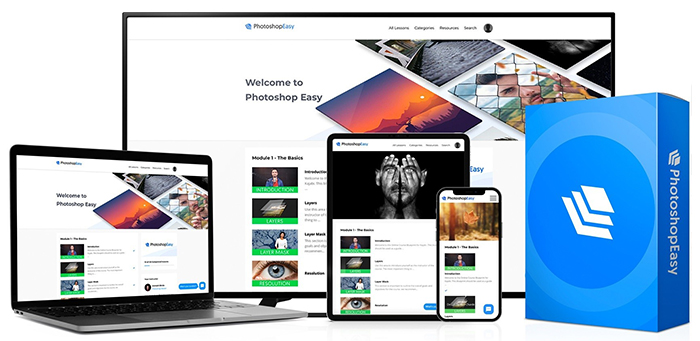
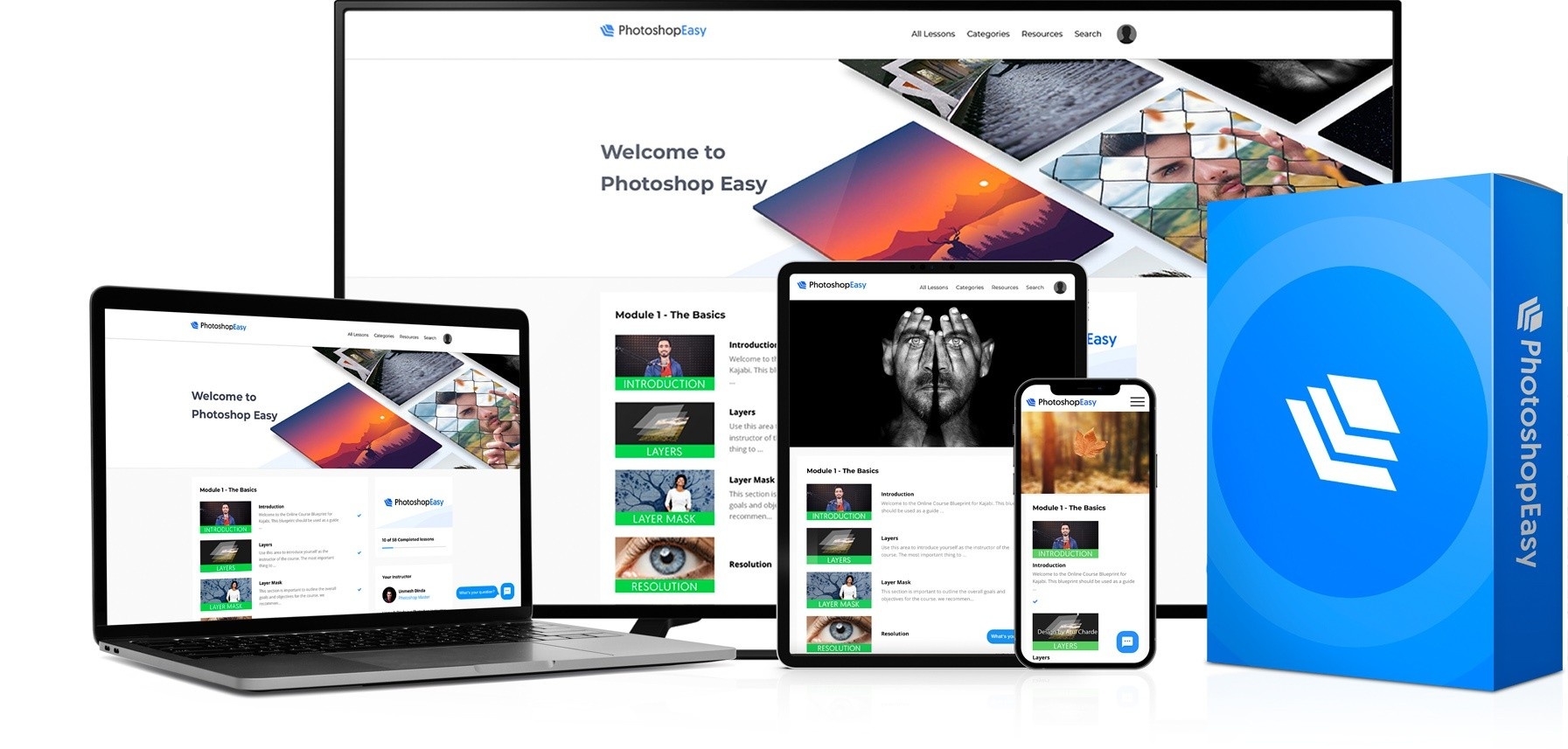
Once you have purchased Photoshop Easy, you will have instant access to the member area where you can view the course in video format whenever and wherever you want.
Section 1 Let’s Get You Up & Running 7 Videos




Section 2 The Tools 11 Videos

Section 3 Master Lighting & Color with Adjustments 9 Videos




Section 4 Compositing 5 Videos



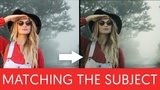
Section 5 Basics of Retouching 5 Videos
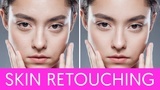


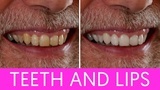

Section 6 Tips & Tricks 6 Videos

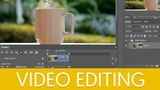



Section 7 Special Effects 7 Videos




Section 8 Bonus 5 Videos
What You Get:
- The complete course Photoshop Easy – More than 50 lessons in 8 sections
- Lifetime Access to the Entire Course and all Bonuses
- 150+ Downloadable PSDs, Actions, and other Assets to follow along and Boost your Workflow
- Stream Anytime on Computer, Tablet or Mobile, at your own pace, for Life.
- English Subtitles Available
- Commercial License: Use the skills and resources from the course for commercial projects.
Why Choose “Photoshop Easy”?
- Trusted Educator: Unmesh Dinda is a trusted name in the Photoshop community, known for his clear teaching style and comprehensive tutorials.
- All-Inclusive Package: This course offers everything you need to become proficient in Photoshop, from foundational skills to advanced techniques.
- Real-World Application: The skills learned in this course are directly applicable to real-world projects, making it ideal for freelancers, professionals, and enthusiasts.
Student Success Stories
“I’ve followed Unmesh on YouTube for years, but this course connects all the dots. The workflow shortcuts alone have cut my portrait editing time in half. Absolute game-changer!”

Sarah Jenkins
Verified Student
“I was a complete beginner to layering and color channels. The structured layout of the syllabus made it easy to follow along. The PSD exercise files are incredibly helpful!”

David Chen
Verified Student
“As a CGI/3D artist, getting lighting and blend modes right in post-processing is crucial. The compositing and shadow matching sections are top-tier. Worth every cent.”

Elena Rostova
Verified Student
“This is the most comprehensive Photoshop masterclass out there. The raw details and structural explanations are clear, actionable, and fun to learn.”

Marcus Vance
Verified Student
“Unmesh has a gift for explaining complex masking and coloring tools. The action files and custom workflow tips saved me so much time. Strongly recommended!”

Clara Dubois
Verified Student
“Absolutely fantastic! Every section is beautifully paced. The bonus modules on special effects and brush techniques are worth the price alone.”

Hiroshi Tanaka
Verified Student
Ready to Master Photoshop?
Get instant access to over 30 hours of step-by-step training, 150+ downloadable PSDs, and lifetime dashboard updates.
Frequently Asked Questions
Who is Photoshop Easy for?
Photoshop Easy Course is geared more towards beginners and intermediates but even benefits weathered pros who want to improve their skills and take your work to the next level. Tips and Tricks from YouTube videos will only get you so far. Let us guide you with everything you need to succeed.
If you want:
- to develop your workflow
- save you time, energy, & frustration
- take your creativity to new heights
- increase your skill level, novice or professional
Photoshop Easy is for you.
Will I have access to the class, or is it just for a limited time?
Once you purchase Photoshop Easy, you will be able to see all lessons whenever and wherever you want forever.
You will have access to the entire course and materials immediately after purchasing.
Do I need any specific knowledge or skills to study this program?
Whether you are starting from no Photoshop knowledge at all, or are well-versed in Photoshop but looking to step up your game, Photoshop Easy will guide every level of prior Photoshop knowledge helping you master Photoshop and carry out your work in complete autonomy.
This course was created so that even those with no Photoshop knowledge at all can become pros with the 30 hours of training from Photoshop Easy. We start from the very beginning and go up to the most advanced techniques that show why Photoshop is considered “magic”. Even if you have some Photoshop knowledge or are a seasoned artist, you will learn how to step up your game, change your editing habits, and become an even more amazing creative.

Original price was: 14.99$.3.99$Current price is: 3.99$.
- INR: ₹380.56